How to make a Card with AI
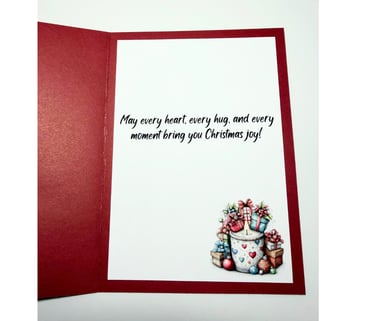
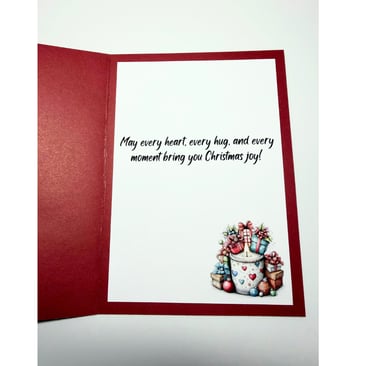
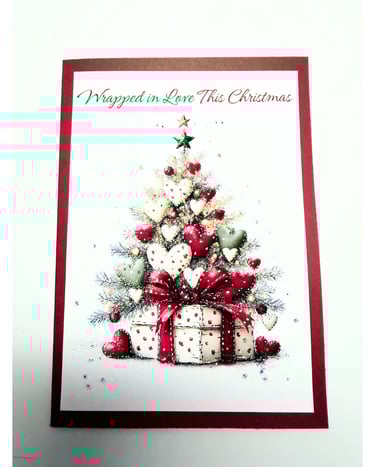
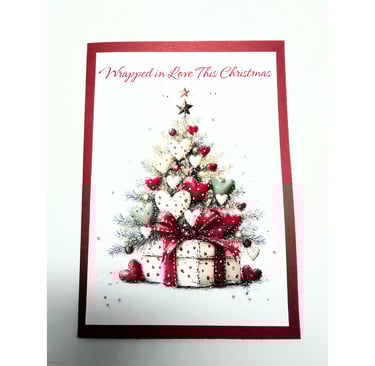
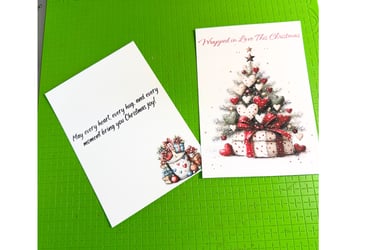
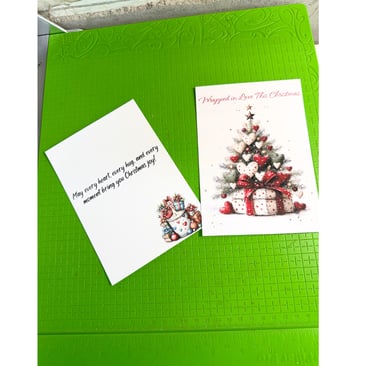
Creating a personalized 5 x 7 card using an AI-generated image can be a fun and rewarding project. Follow these steps to design your card with Canva effortlessly.
Step 1: Prepare Your Image
Start by bringing your AI image into Canva. Once you have uploaded it, extend your image to dimensions of 4.5 x 6.5 inches using the 'Edit' option in Canva. This extension is crucial as it will allow your image to fit perfectly on the card front when printed.
Not only will the front of the card benefit from this size adjustment, but you'll also use the same techniques to develop the inside of the card. Remember that I print my images at this size—4.5 x 6.5 inches—so ensure your design is optimized for printing without any loss of quality or detail.
Step 2: Prepare Card Stock
Cut a piece of cardstock measuring 7 x 10 inches. This size is ideal for a 5 x 7 card when it is folded in half. To create a clean fold, score the cardstock down the middle at the 5-inch mark. This will help ensure that your card opens smoothly and maintains a professional appearance.
Step 3: Assemble Your Card
Now that you have your printed image ready and your cardstock cut and scored, it’s time to assemble your card. Start by gluing the front of the card, which features your AI image, to the front side of the cardstock. Make sure to center it well for a balanced look.
Next, you can add the inside of the card. This is where any personal messages, notes, or additional designs can be placed. Utilizing a colored background behind your printed image can significantly enhance the overall aesthetic, making your card truly stand out.
Final Touch: Glue the Front
Finally, apply glue to secure the front image firmly against the cardstock. Allow it to dry completely to ensure that everything stays in place well.
With these simple steps, you have created a beautiful, customized 5 x 7 card that showcases your style and creativity. Whether for invitations, greeting cards, or thank-you notes, your handcrafted card will surely impress any recipient!